AKB Castore
Module Image Slide
Joomla 5.4.x - 6.x
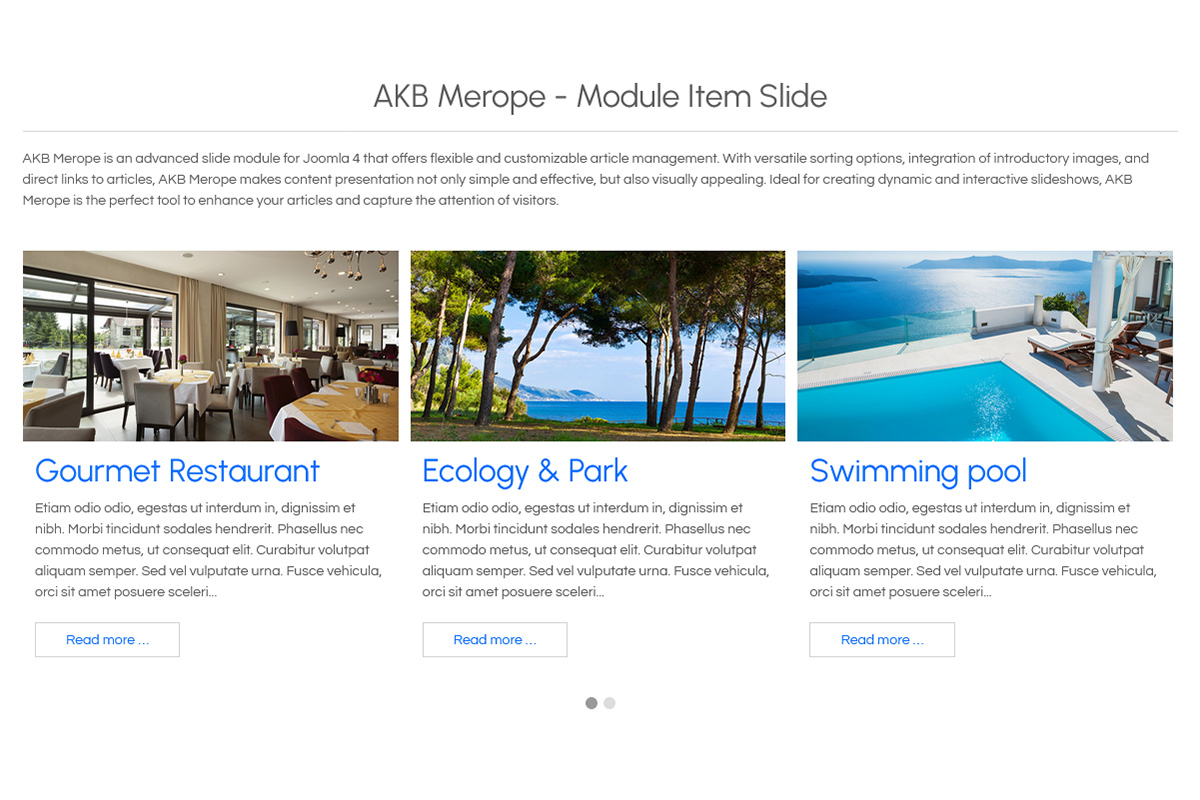
Bring your featured content into focus with AKB Castore, a Joomla slideshow module combining images, titles, descriptions and optional links. Choose sliding or fading transitions, configure automatic playback and customise navigation to create homepage banners, promotional highlights and visual presentations.
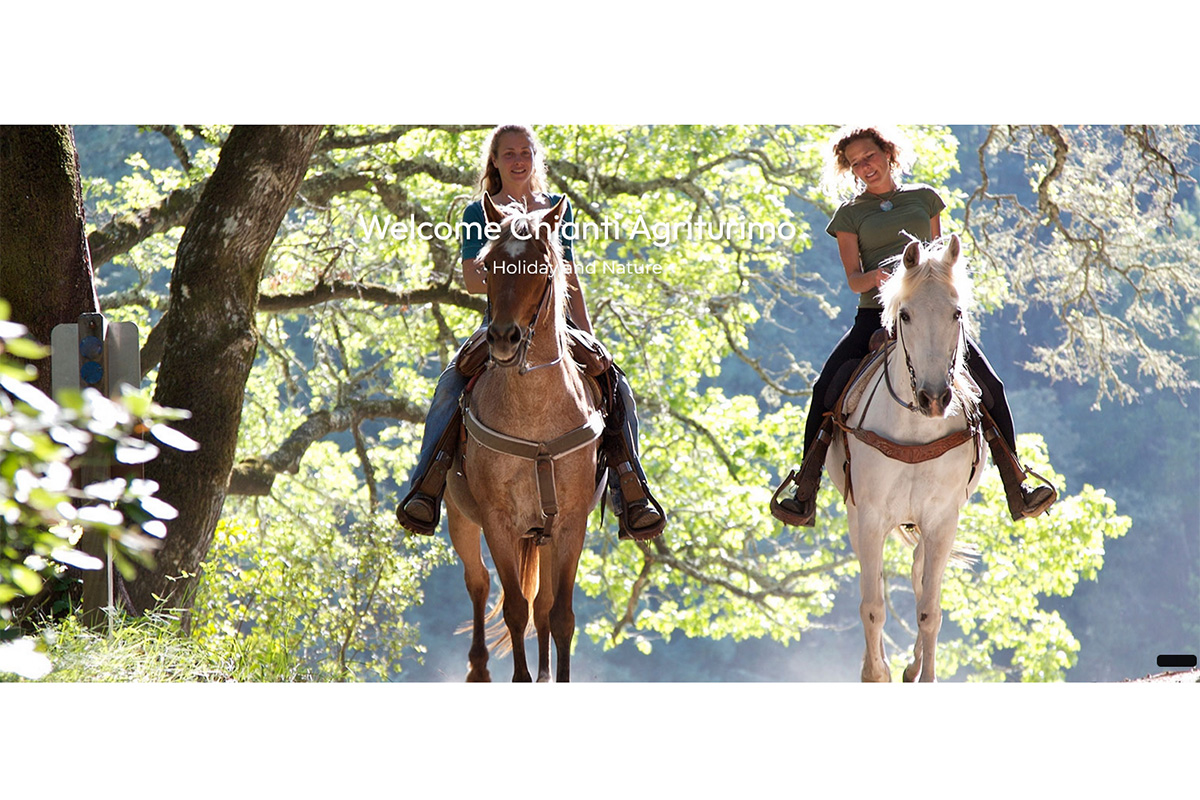
AKB Castore presents your content as a sequence of image slides, each with its own title, description and optional link. Use it to introduce your website, highlight services or guide visitors towards selected pages through a visual presentation.
Create up to ten slides directly in the module settings. Each slide can link to a Joomla menu item or an external URL, with custom link text to give visitors a clear next step.
Choose between fading and sliding transitions, enable automatic playback and set the time between slides. Navigation arrows and pagination indicators can be enabled independently. Automatic playback pauses when visitors hover over the slideshow or focus on its controls, giving them time to read and interact.
With AKB Castore, you can:
- Build a slideshow: configure up to ten slides with individual images, titles and descriptions.
- Choose the transition: switch between fading and sliding animations.
- Control automatic playback: enable or disable autoplay and adjust the interval between slides.
- Configure navigation: show or hide arrows and pagination indicators.
- Adjust image positioning: set horizontal and vertical alignment to suit your photographs.
- Style the content: configure caption width, minimum content height, title and description colour, and link colour.
- Add slide-specific links: direct visitors to internal pages or external destinations with personalised link text.
Castore also adapts to single-slide presentations by automatically disabling autoplay and navigation controls when only one slide is available. This makes it suitable for both a standalone visual banner and a rotating selection of featured content.