AKB Eridano
Module Tabs
Joomla 5.4.x - 6.x
Organise related content into navigable tabs with AKB Eridano for Joomla. Display custom text, selected articles or existing modules, with navigation styled as text, images or dots. Customise colours, spacing and active states to create clear service presentations, topic overviews and compact information sections.
AKB Eridano brings related information together in a tabbed interface, allowing visitors to switch between different sections without leaving the same area of the page. Use it to present services, product information, topics, specifications or supporting content in a compact and organised format.
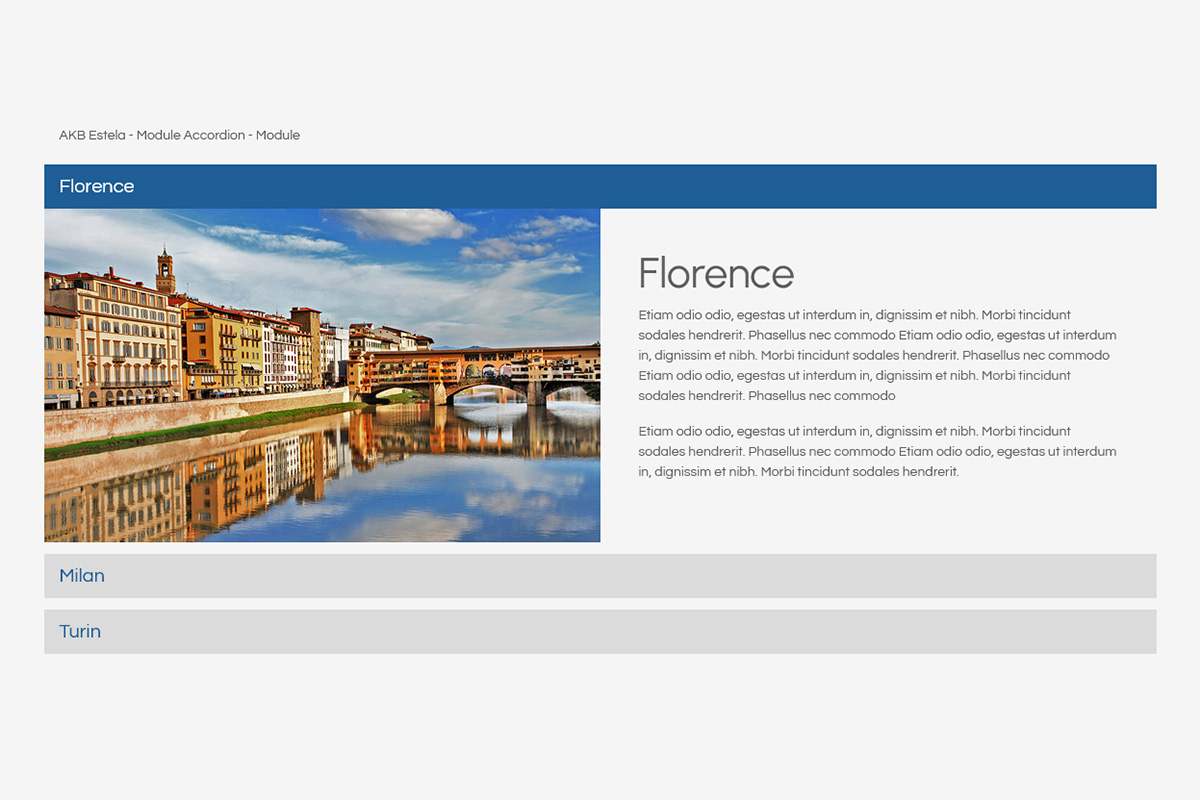
Choose one content source for each module instance: content entered directly through the Joomla editor, selected Joomla articles or existing Joomla modules. Tabs are managed as repeatable items, making it easy to add, remove and reorganise the sections you need.
Navigation can use text labels, images or simple dots. Alignment, spacing, colours and selected states can be customised, while image-based selectors support adjustable dimensions and rounded corners.
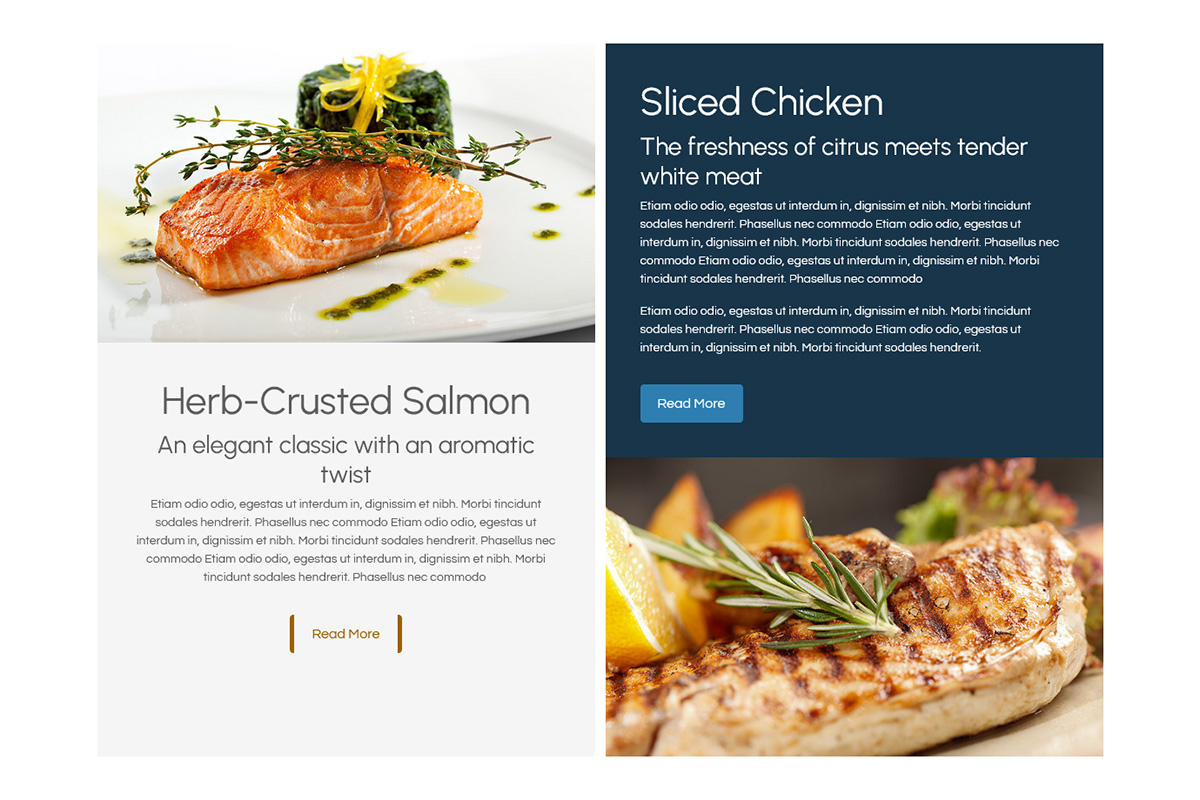
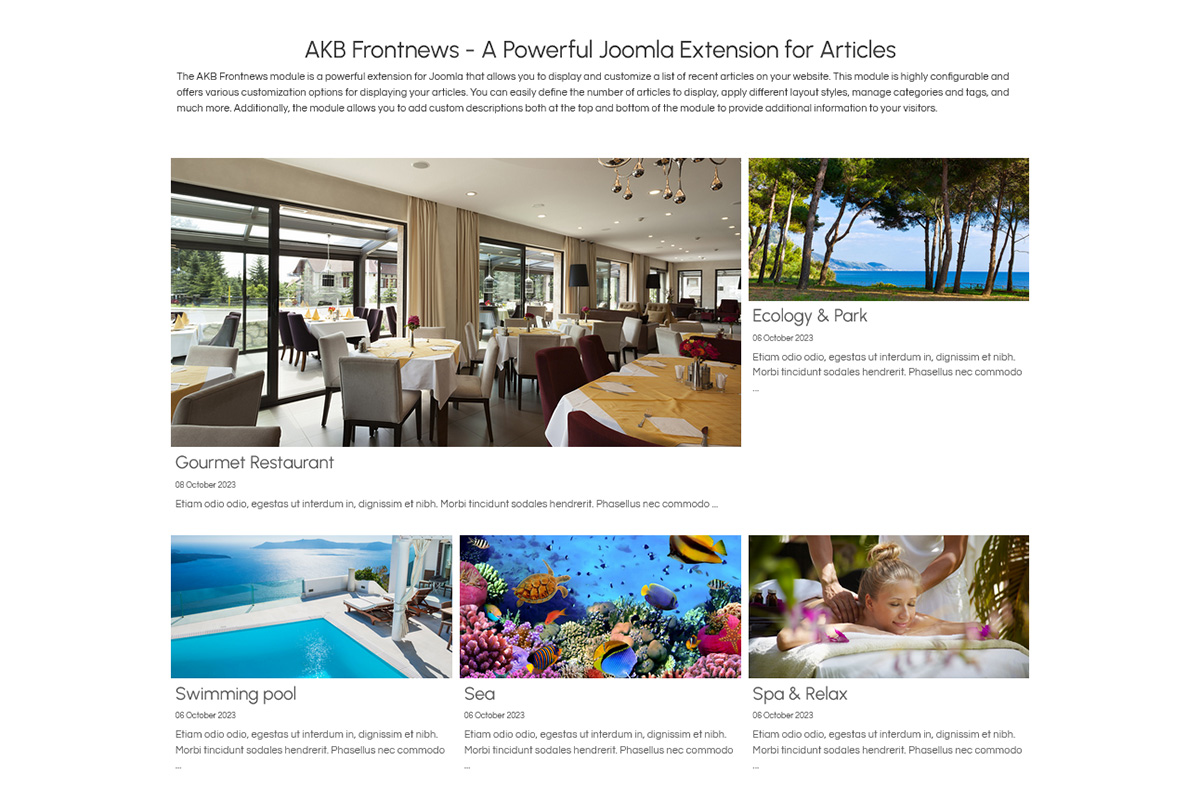
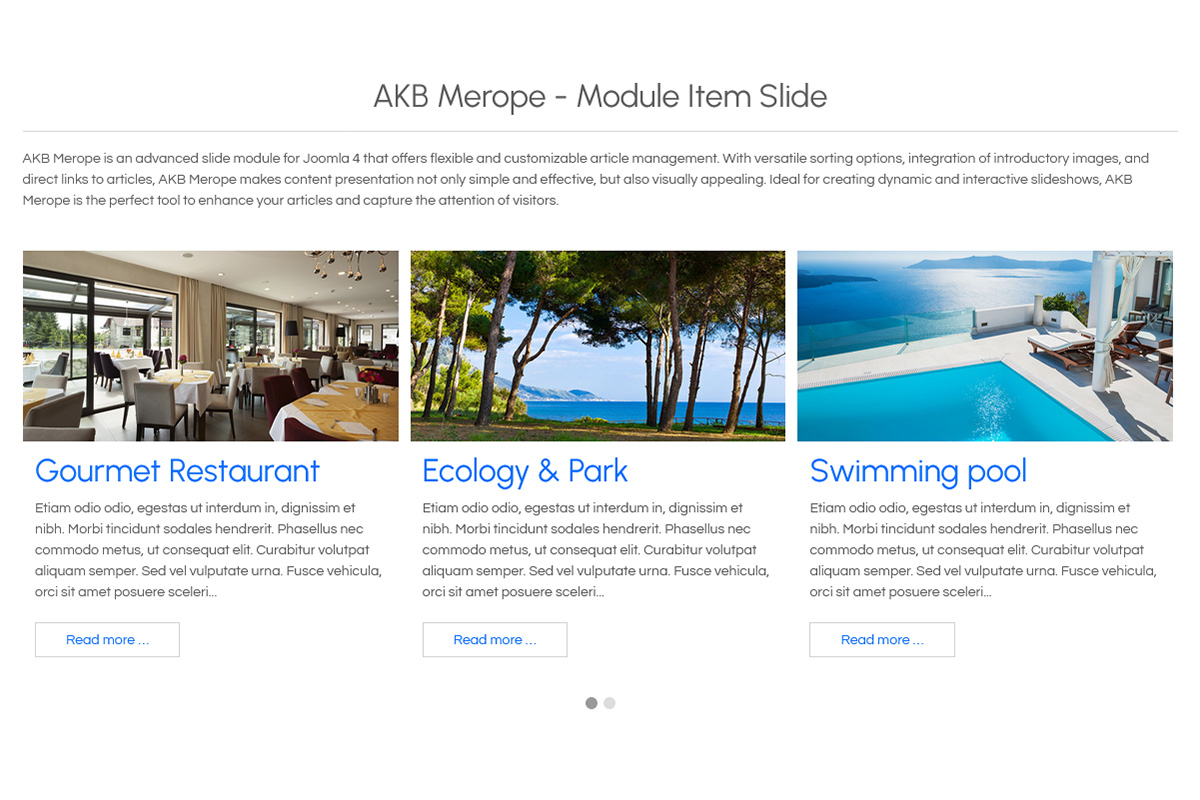
When using Joomla articles, Eridano can display the article image, title and introductory text together with a link to the complete article. The introduction can also be limited to a defined length.
With AKB Eridano, you can:
- Organise content into repeatable tabs: add and manage multiple related sections within a single module.
- Choose your content source: use editor content, Joomla articles or existing Joomla modules.
- Choose the navigation style: switch between text labels, image selectors or minimal dot navigation.
- Customise navigation states: configure colours for normal, hover and selected tabs and adjust alignment and spacing.
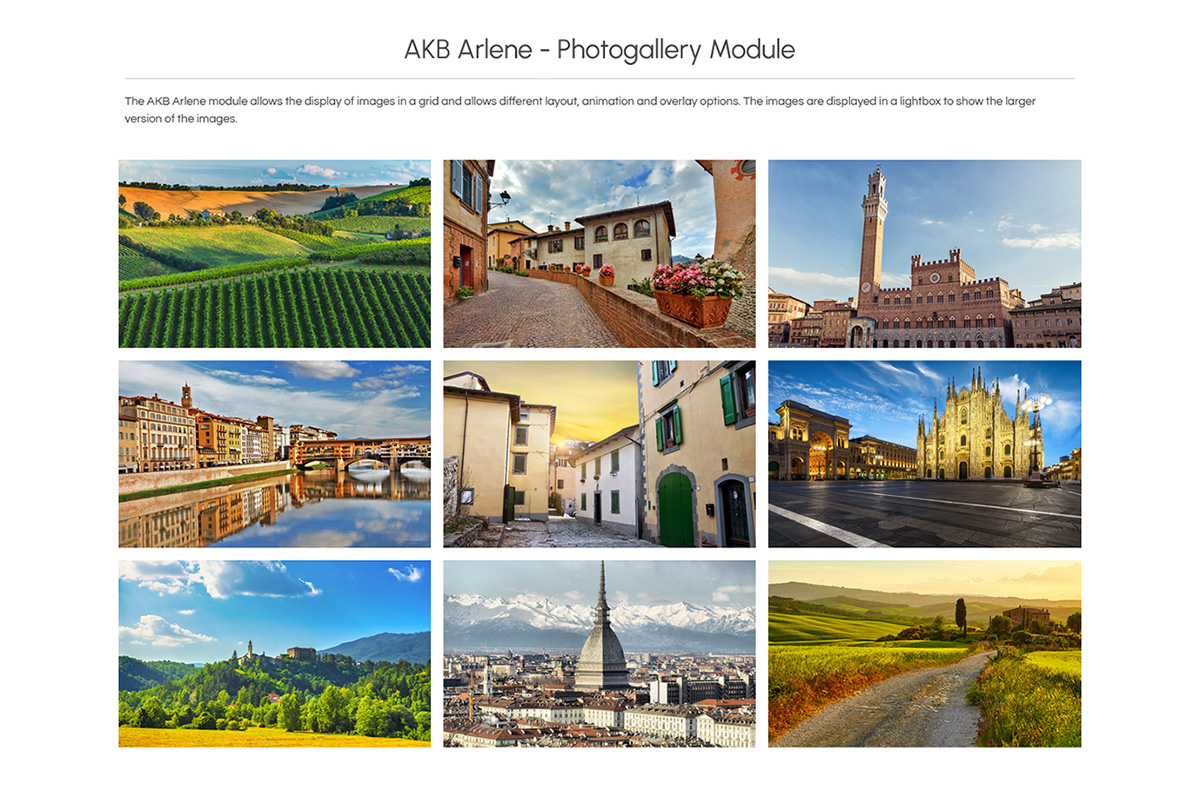
- Use image-based navigation: assign a different image to each tab and control thumbnail dimensions and rounded corners.
- Present article previews: display the article image, title and introduction with an optional text limit and Read More link.
- Embed Joomla modules: display existing published modules inside individual tabs.
- Style the content panels: configure panel background and text colours together with responsive inner spacing.
- Customise the complete module: add rounded corners and shadows to the overall tabbed section.
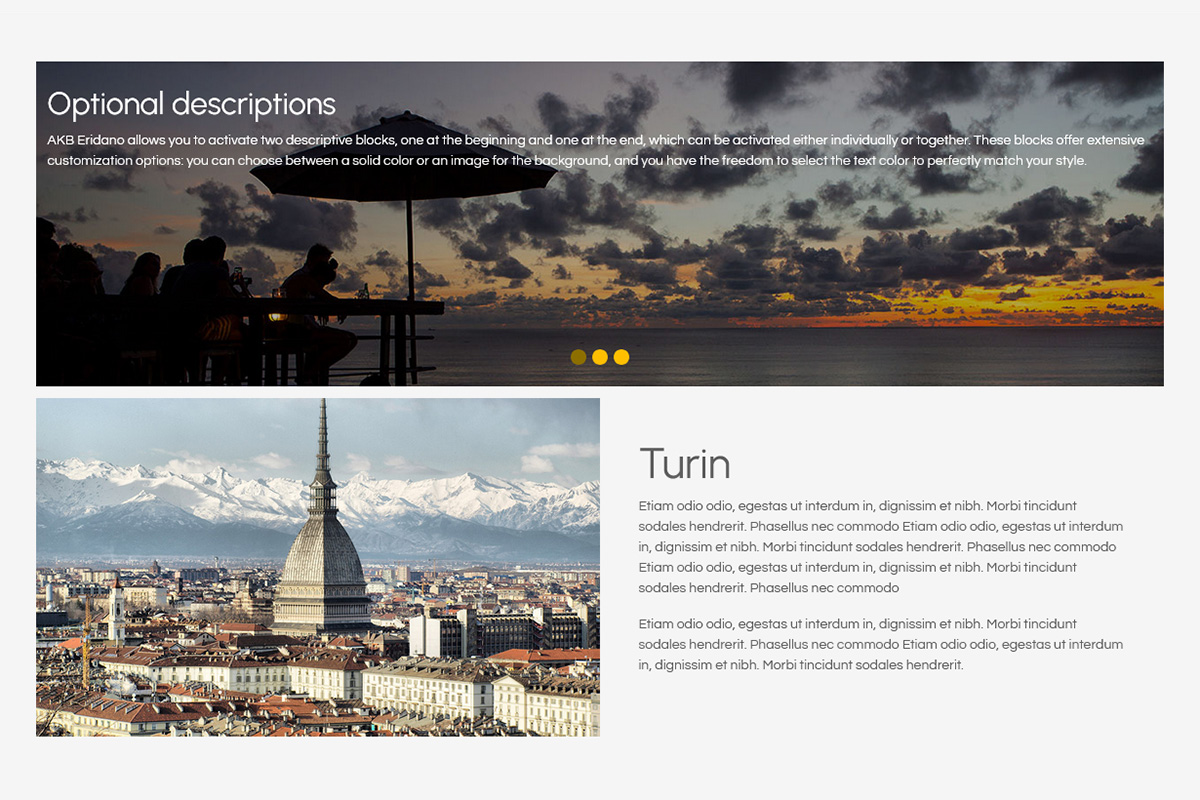
- Add introductory and closing content: place formatted content before and after the tabs, with optional colours or background images.
- Fine-tune the presentation: add custom CSS when additional styling is required.
Eridano is particularly useful when several related pieces of information need to share the same space, giving visitors a simple way to move between them while keeping the page clear and compact.