
AKB Arlene - Photogallery Module
AKB Arlene is a flexible Joomla photo gallery module for presenting images in different responsive arrangements. Choose between Grid, Mosaic, Justified Rows, Masonry or Scrolling layouts, customise captions and image effects, and let visitors open photographs in a lightbox for a larger view.
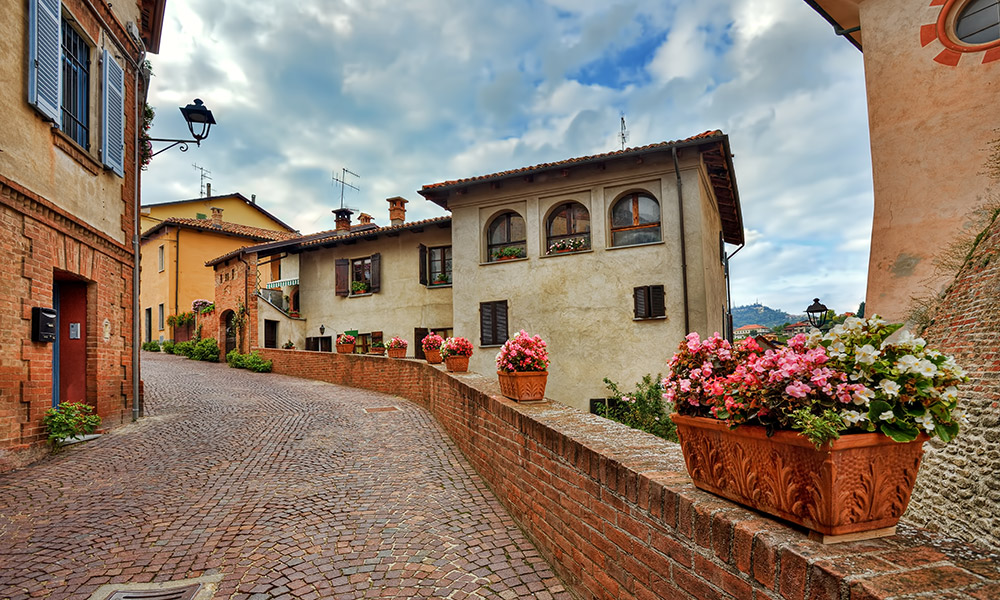
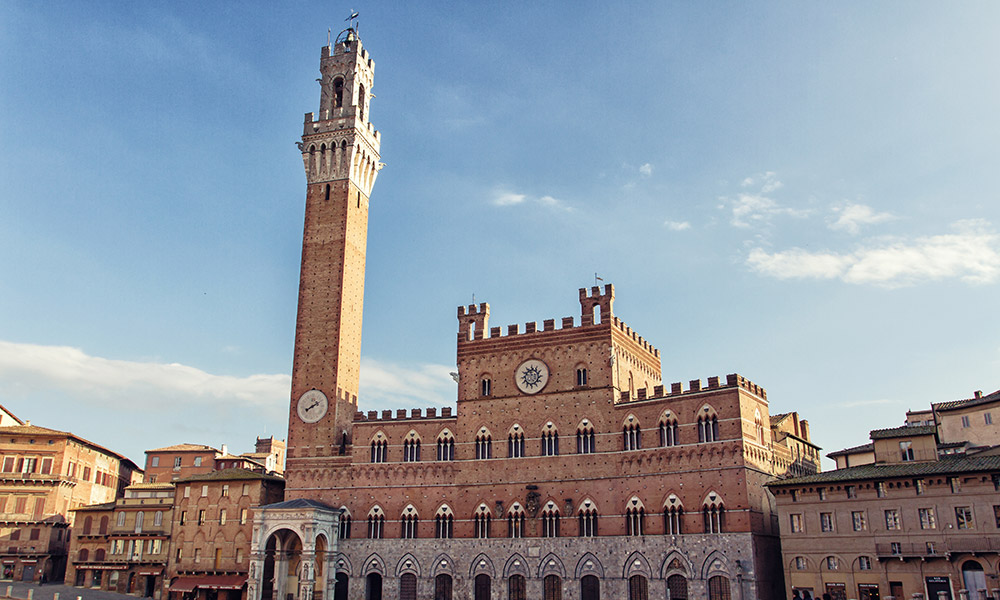
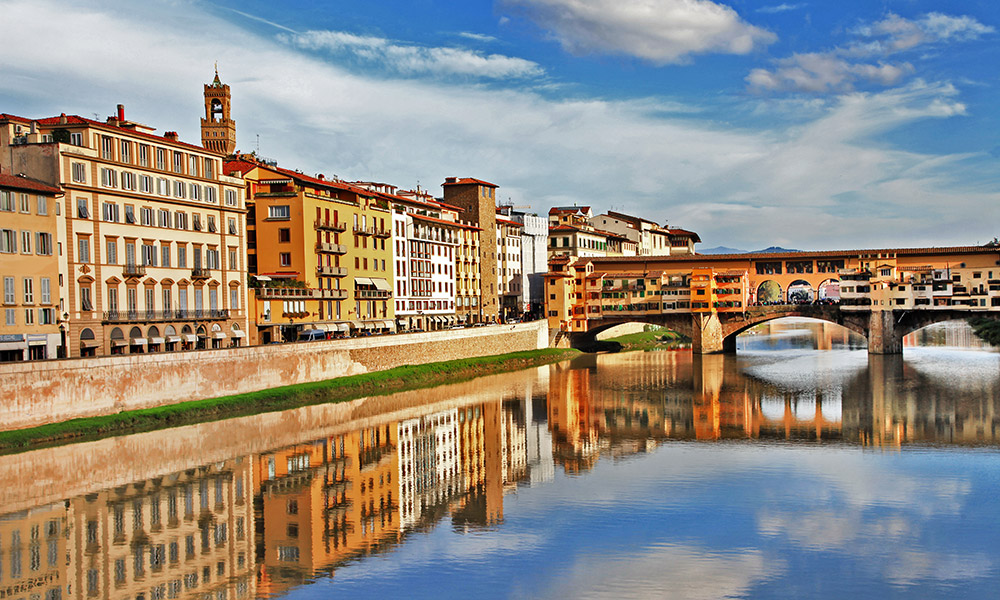



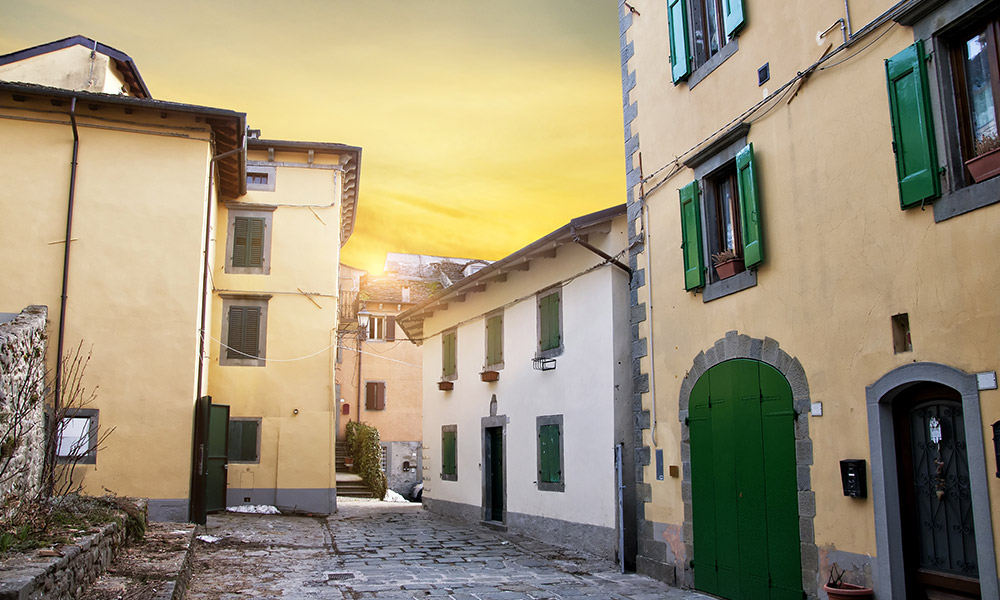
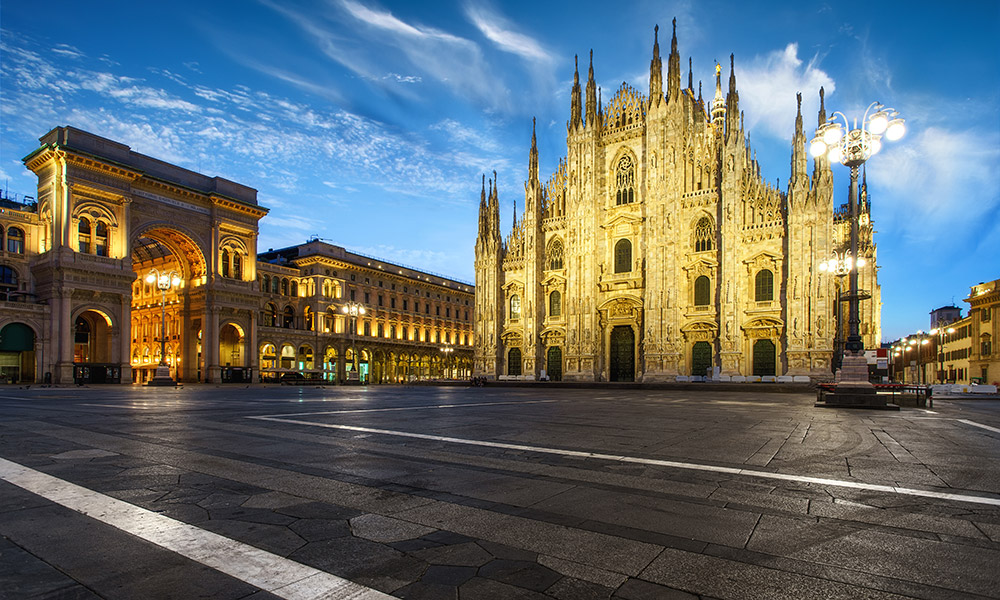
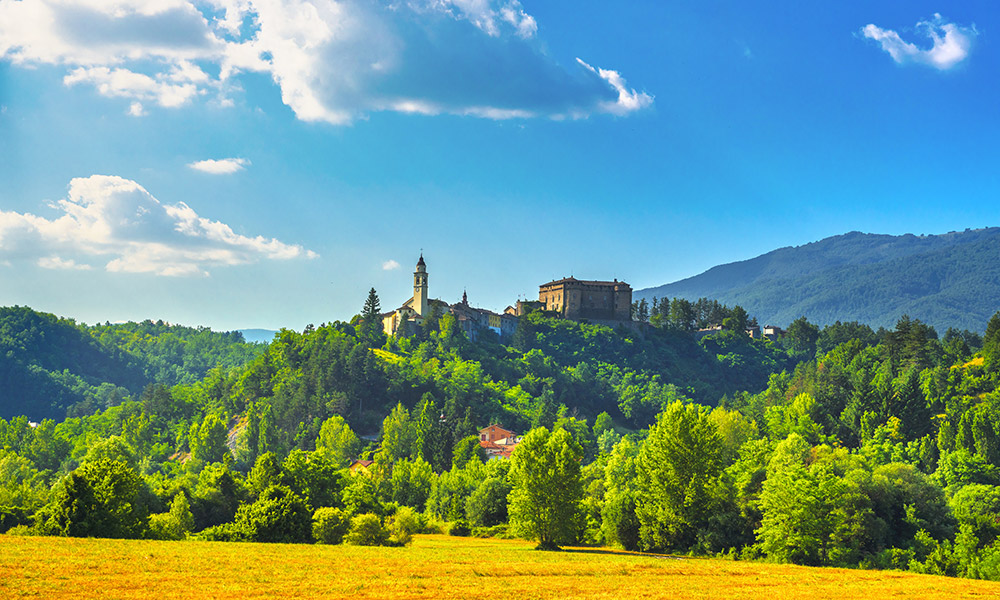
Mosaic Gallery with Optional Content
Combine a dynamic mosaic layout with optional formatted content above and below the gallery. Introductory and closing sections can be used to describe the collection, add context or complete the presentation.



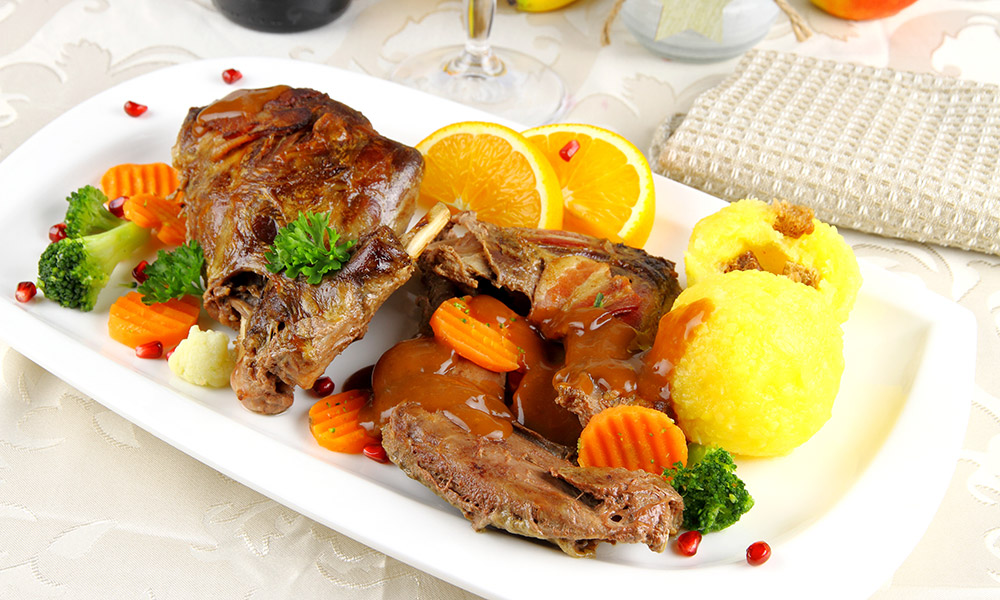


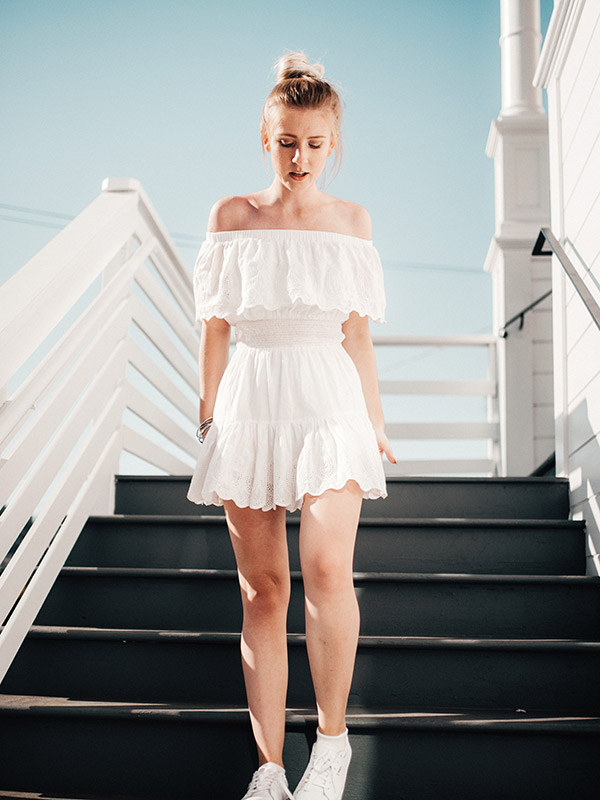



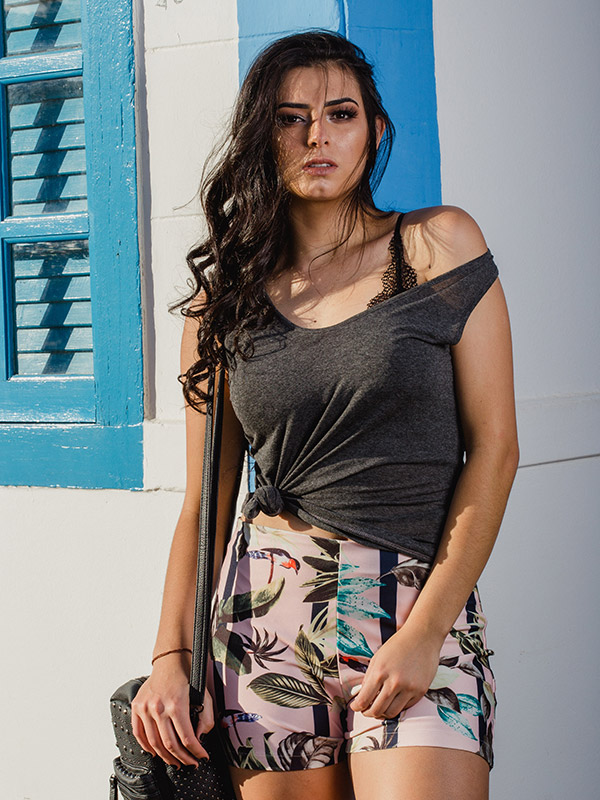
Grid Gallery with Overlay Captions
Display images in a regular grid and place titles and descriptions directly over the photographs. Caption colours and effects can be customised to create a more visual and interactive presentation.
Justified Rows
Arrange photographs with different proportions into balanced rows that automatically fill the available width. Each image keeps its natural proportions while contributing to a continuous and ordered composition.



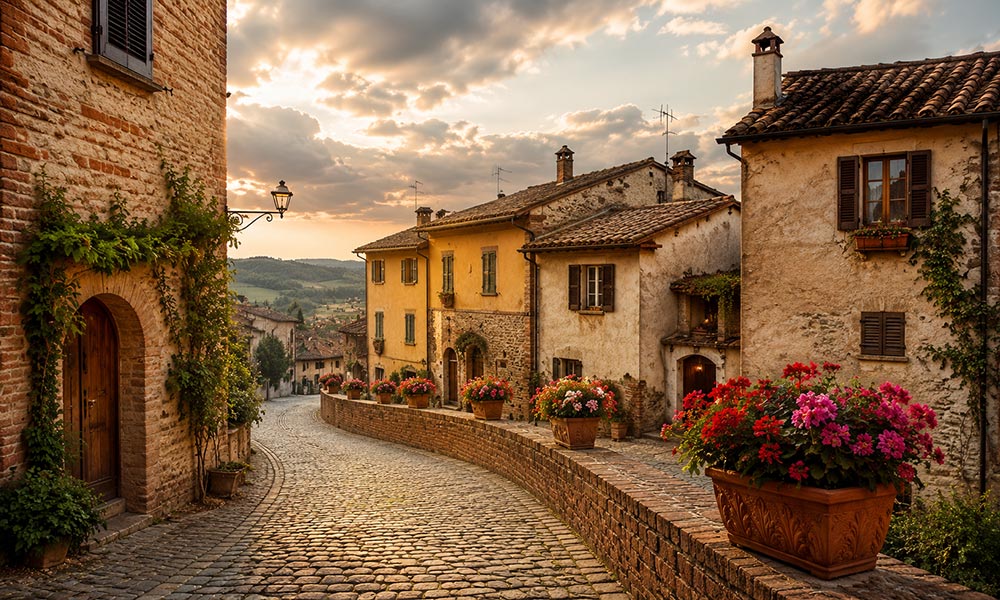

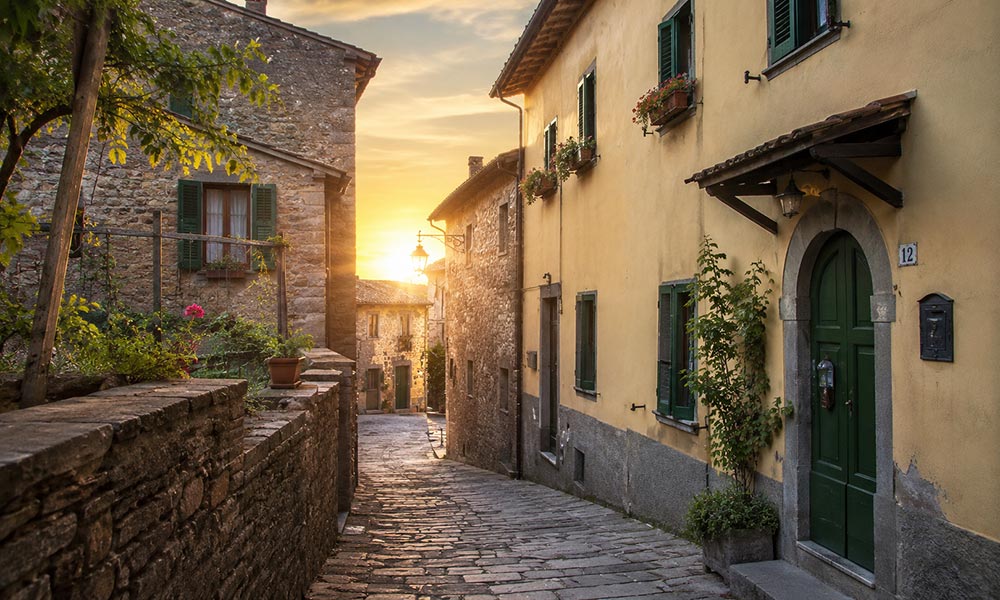

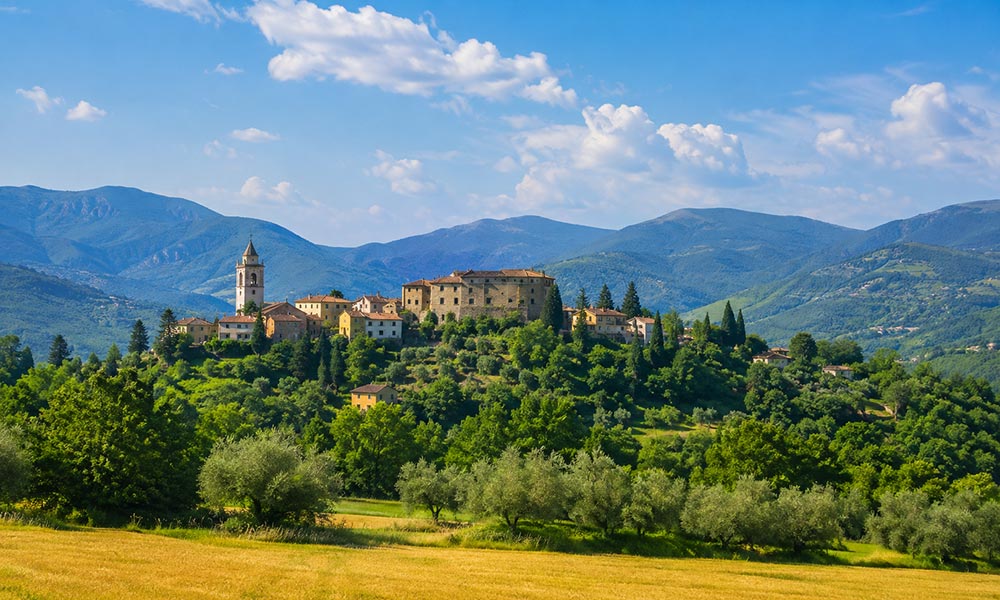
Masonry Gallery
Arrange photographs in responsive columns while preserving their original proportions. Images with different heights naturally fit together, making Masonry ideal for collections that mix landscape, portrait and other formats.