
Junostarpro Docs
Menu Panel
The Menu panel in JunostarPro allows you to quickly create, edit, and manage your site’s menu items without ever leaving the Template Manager. This makes managing your site navigation extremely smooth, especially while customizing your site's design.
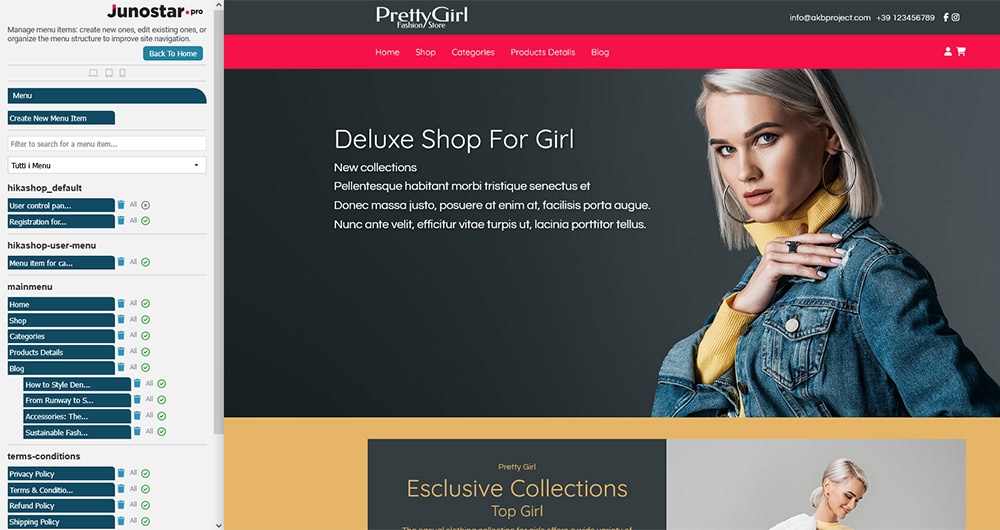
Main Features
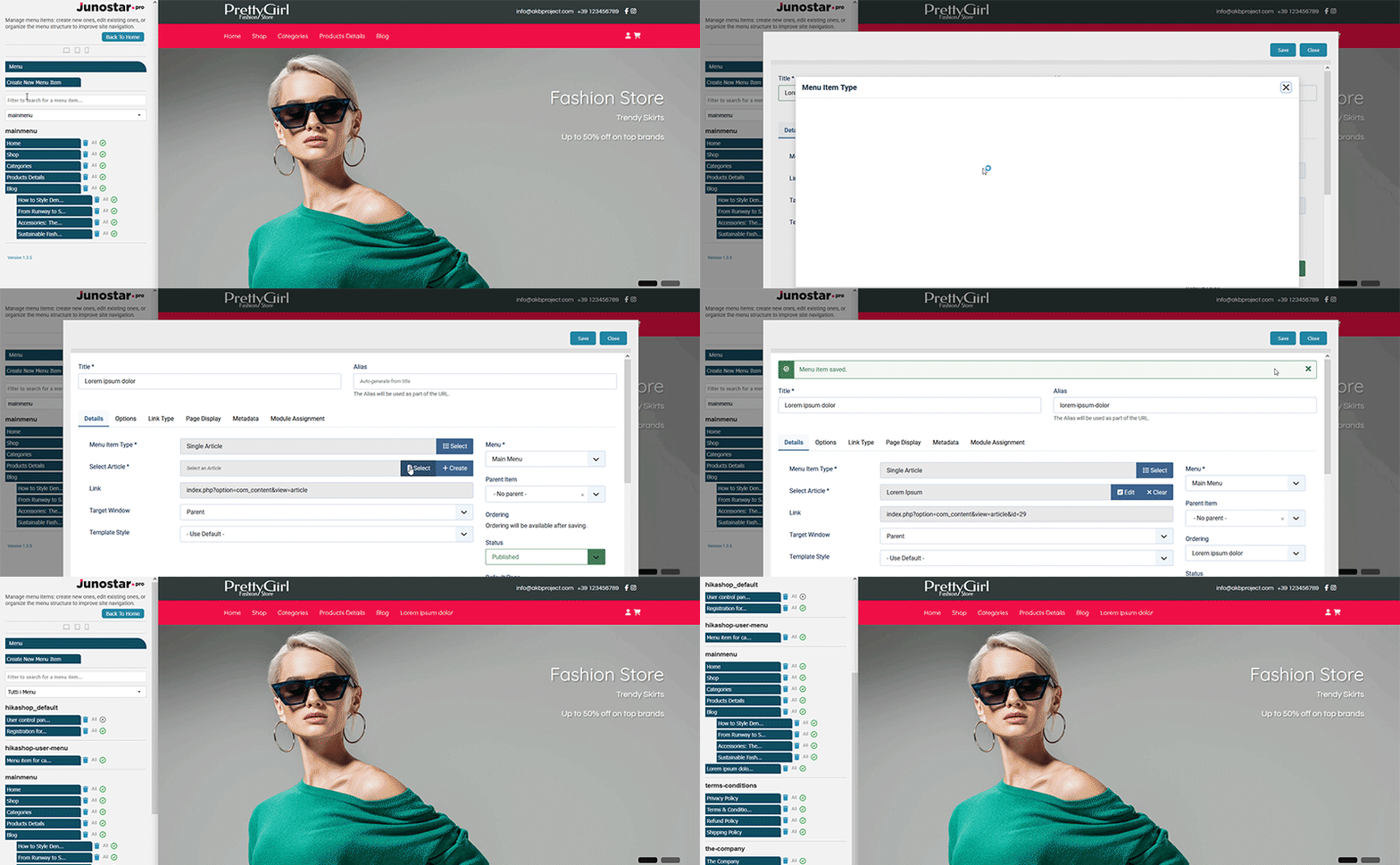
Create New Menu Item
With the “Create New Menu Item” button, you can quickly add a new menu item to any available menu, directly from the plugin.
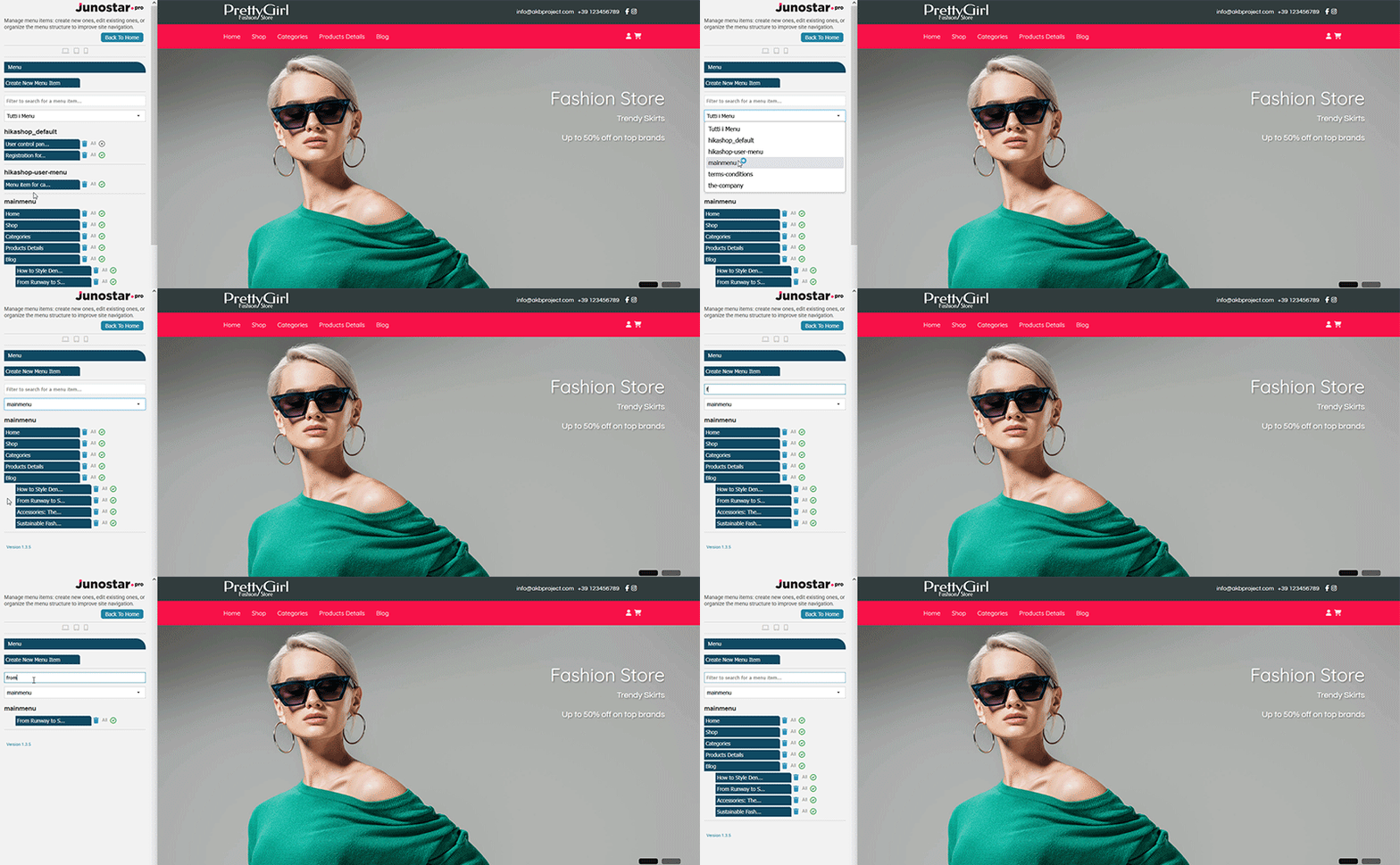
Search and Selection
Easily find the menu item you need with the instant search field, or select the main or secondary menu you want to manage from the dropdown list.
Fast Edit and Management
Select any menu item from the list and instantly edit it with the “Modify Menu Item” button, or delete it quickly if you no longer need it.
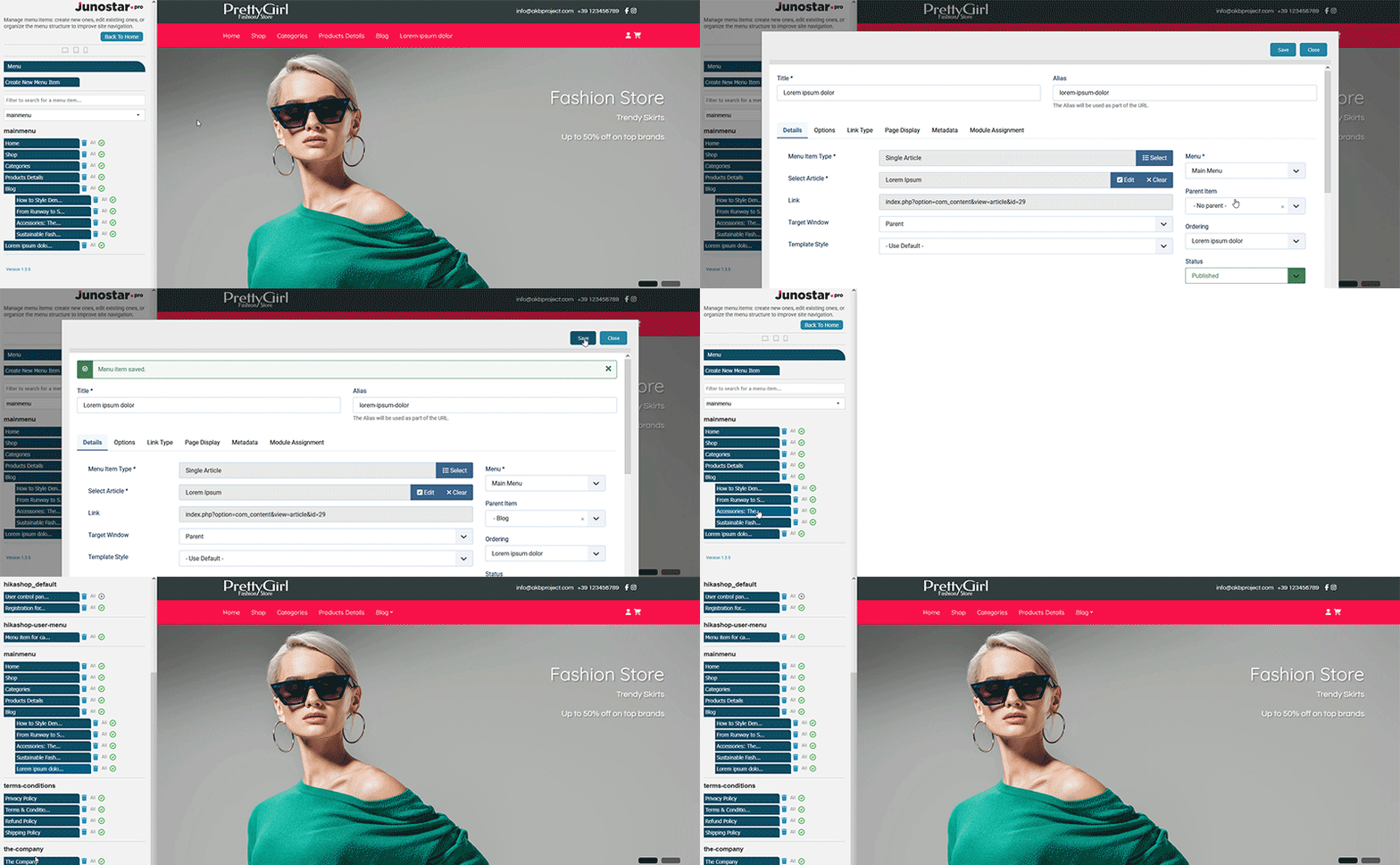
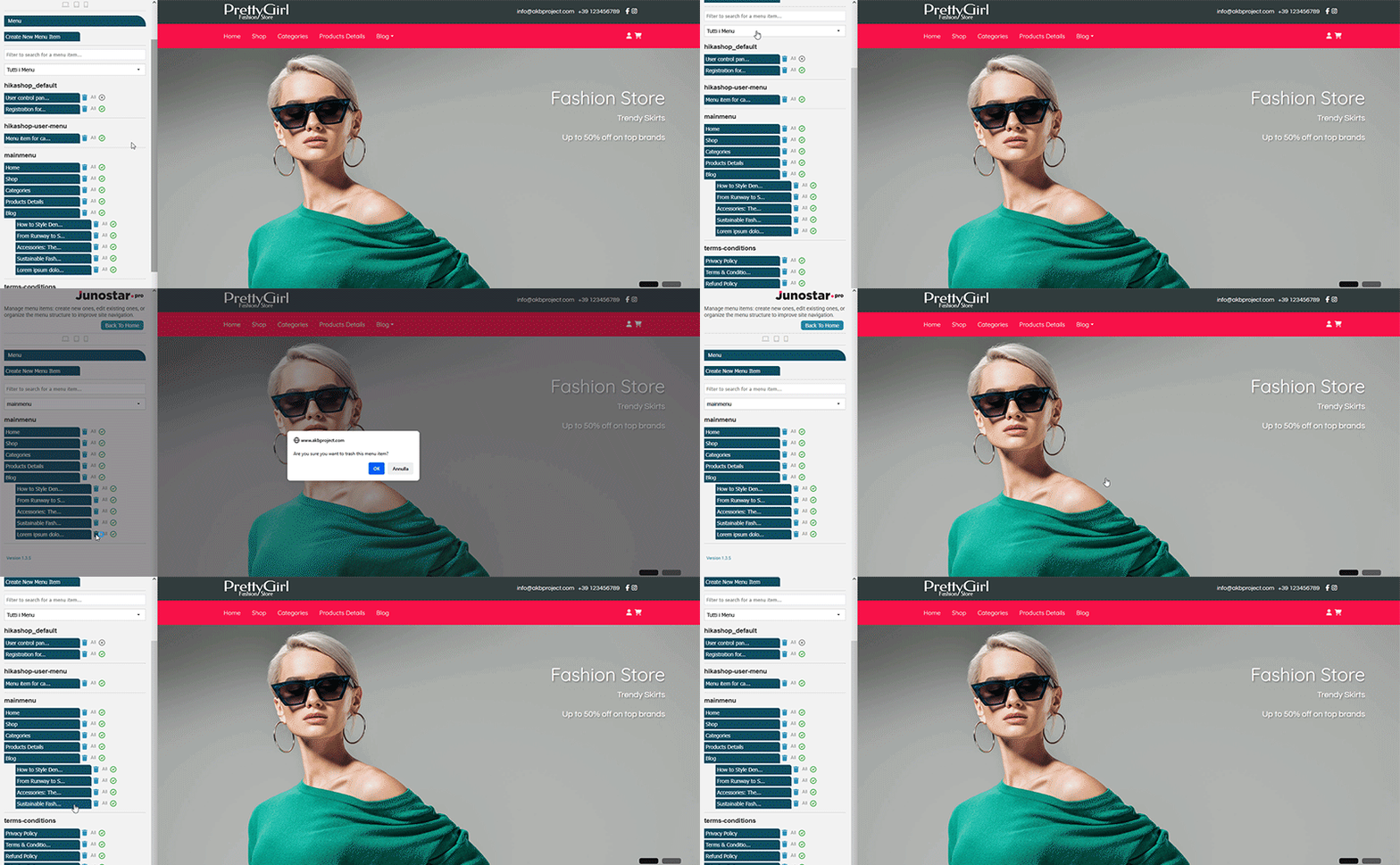
While designing your site, you can add, update, or delete menu items in just a few seconds and instantly see the effect on your site's navigation all without ever leaving the template management panel.
The Menu panel is designed for quick creation, editing, and deletion of menu items. For advanced functions such as complex reordering, bulk menu management, detailed settings, advanced permissions, or creating new structured menus always use Joomla’s full menu management in the backend.